Binary to Hex Converter: Step-by-Step With Nibbles
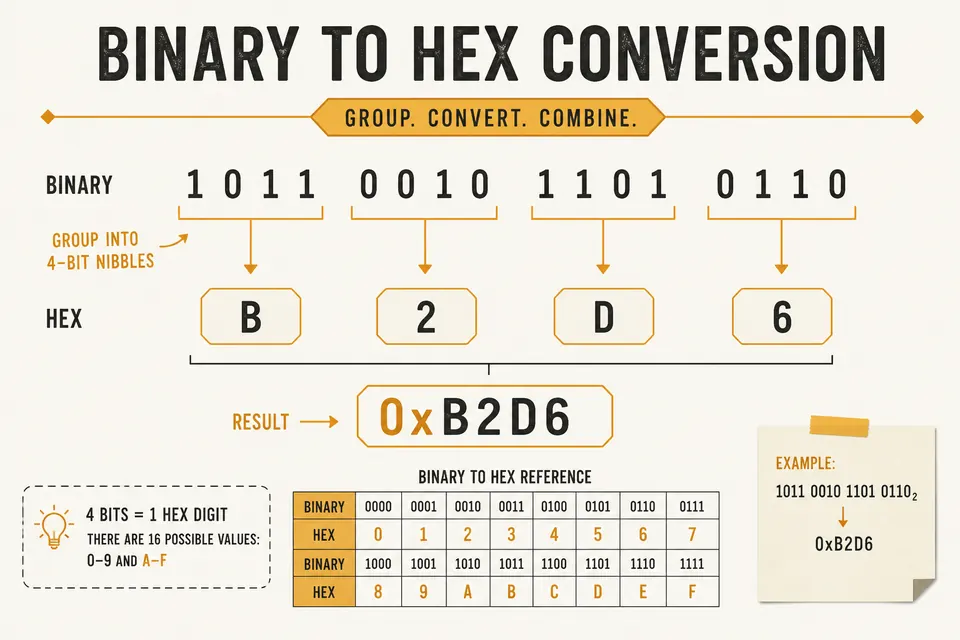
Four binary bits correspond to one hexadecimal digit. Grouping bits this way lets you convert directly between binary and hex without calculating a decimal value first. Below are the 16 possible groups, followed by worked examples and a practice set.
Why Hex Maps Cleanly to Binary
Because 16 equals 2⁴, every hex digit corresponds to four bits. Decimal digits have no fixed grouping of binary bits, so decimal conversion uses a different method.
Programmers write colors as #FF8800, memory addresses as 0x7FFE, and machine opcodes as hex for the same reason: compact, aligned with bytes, easy to eyeball. For a broader comparison, see hexadecimal vs binary.
The Nibble Table (Memorize This)
A nibble contains four bits and has 16 possible values. Use this table to replace each group with its hex digit.
| Hex | Binary | Decimal | Hex | Binary | Decimal |
|---|---|---|---|---|---|
| 0 | 0000 | 0 | 8 | 1000 | 8 |
| 1 | 0001 | 1 | 9 | 1001 | 9 |
| 2 | 0010 | 2 | A | 1010 | 10 |
| 3 | 0011 | 3 | B | 1011 | 11 |
| 4 | 0100 | 4 | C | 1100 | 12 |
| 5 | 0101 | 5 | D | 1101 | 13 |
| 6 | 0110 | 6 | E | 1110 | 14 |
| 7 | 0111 | 7 | F | 1111 | 15 |
Tip: A-F are just 10-15. C is 12, which is 1100 (two high bits). Patterns like that stick after a few conversions.
Binary to Hex: Group by Fours
Write the bits. Pad on the left with zeros so the length is a multiple of 4. Split into nibbles. Replace each nibble with the hex digit from the table.
Example: convert 1101011011
- Pad:
0011 0101 1011 - Lookup: 0011→3, 0101→5, 1011→B
- Result: 0x35B
Another one: 11111111 → 1111 1111 → FF. That is a full byte set to all ones, common in masks and “no value” sentinels.
Hex to Binary: Expand Each Digit
Replace each hex digit with its four-bit binary equivalent. Keep leading zeros within each group so the boundaries stay intact.
Example: convert 0xA7
- A →
1010 - 7 →
0111 - Concatenate: 10100111
The same method works for hashes and MAC addresses: expand every hex digit into four bits. For long strings, a converter reduces transcription errors.
Bytes: Two Hex Digits, Eight Bits
One byte = two hex digits = eight bits. That is why hex dumps print spaces every two digits, and why ASCII codes are often written as 0x41 for ‘A’.
| Char | Decimal | Hex | Binary |
|---|---|---|---|
| A | 65 | 41 | 01000001 |
| a | 97 | 61 | 01100001 |
| 0 | 48 | 30 | 00110000 |
| space | 32 | 20 | 00100000 |
Cross-check against the ASCII table or encode a string with text to binary, then convert those bytes to hex with the nibble method.
Worked Example: Color Code
CSS color #4F46E5 (indigo-ish) expands as:
4 → 0100
F → 1111
4 → 0100
6 → 0110
E → 1110
5 → 0101
01001111 01000110 11100101
Three bytes: R=79, G=70, B=229 in decimal if you care about channel math.
Common Mistakes
Leading zero padding preserves an unsigned value while fixing its width. For example, 1011 and 00001011 both equal decimal 11. The eight-bit form is written as 0x0B in hex.
Mixing up bit order inside a nibble is rare if you always write MSB on the left (standard). Mixing up byte order in multi-byte integers is common; that is endianness, not nibble conversion. See the hex dump guide (or hex viewer) when dumps look “byte swapped.”
Writing G as a hex digit is invalid. Valid digits stop at F.
When Decimal Still Helps
Mental math for small values is fine: 0x10 is 16, 0x100 is 256. For bit masks and flags, stay in hex/binary. For “how many items fit in this buffer,” decimal is clearer.
Floating-point bit patterns are a different animal. Those need the IEEE 754 tool, not nibble substitution alone.
Practice Set
Convert without a calculator, then verify:
10101100→ hex? (answer: AC)0x3E→ binary? (answer: 00111110)111100001111→ hex? (answer: F0F)
FAQ
Do I need spaces between nibbles?
Only for readability. 11110000 and 1111 0000 are the same value. Tools usually accept either.
Is 0x the same as h or $ prefixes?
Same idea, different dialects. C and JavaScript use 0x. Some assemblers use $ or a trailing h. The digits after the prefix are still hex.
How do I convert binary text messages to hex?
Decode to text first with binary to text, or treat each 8-bit group as a byte and map two nibbles to two hex digits. Both paths agree if the bit grouping is correct.
Can octal use the same nibble trick?
Octal groups three bits (2³ = 8), not four. Related but different. Read octal explained for Unix permission math.
Convert Faster Online
The nibble method is worth knowing cold for interviews and debugging. For long payloads, let software do the typing.
Use the Binary Converter to flip between binary, hex, decimal, and octal. The home page also wires text encoding if your bits came from a string. More practice examples live in binary code examples.
Check the examples
Technical reference
Related Articles

Hexadecimal vs Binary: When to Use Each Format
Comprehensive comparison of hexadecimal and binary number systems. Learn which format to use for programming, debugging, and data representation.
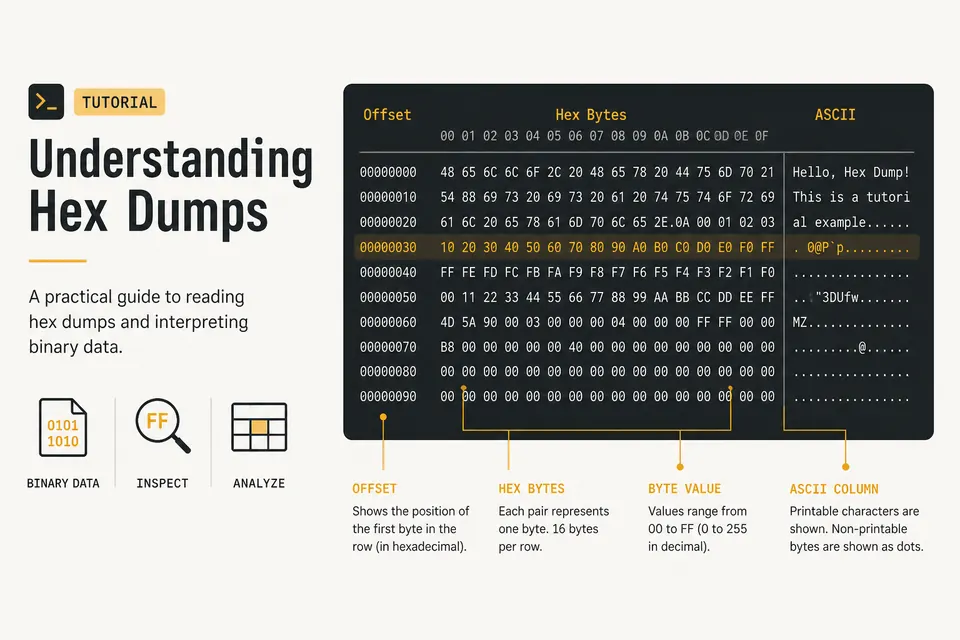
Hex Dump Explained: How to Read a Hex Viewer
Learn what the offset, hex bytes, and ASCII columns mean. Spot PNG magic bytes and inspect files with a private browser hex dump tool.
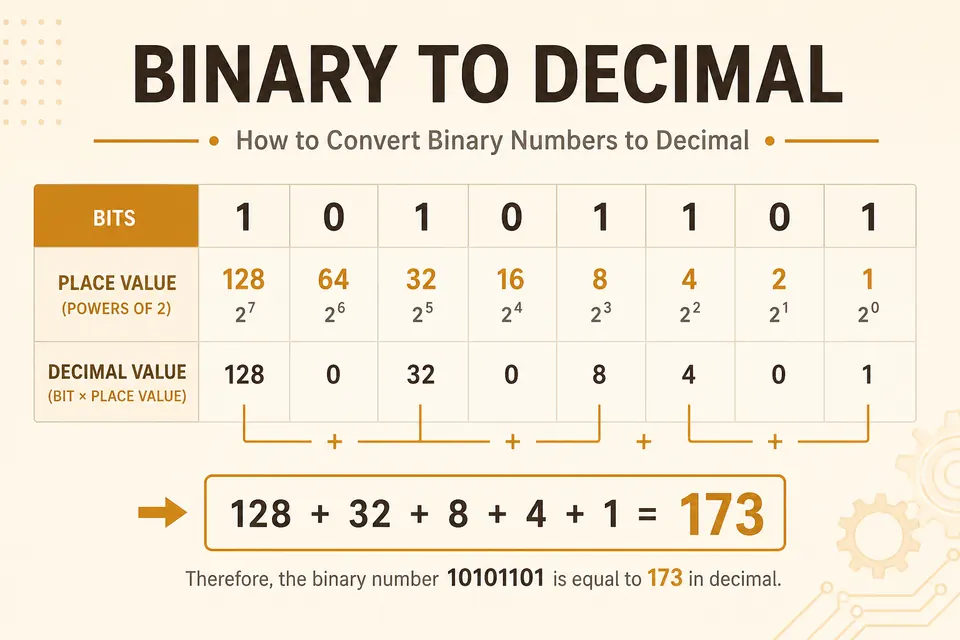
Binary to Decimal Converter: Powers of 2 Method
Convert any binary string to decimal by adding place values. Worked examples, a practice set, and a free online converter.