Binary to Decimal Converter: Powers of 2 Method
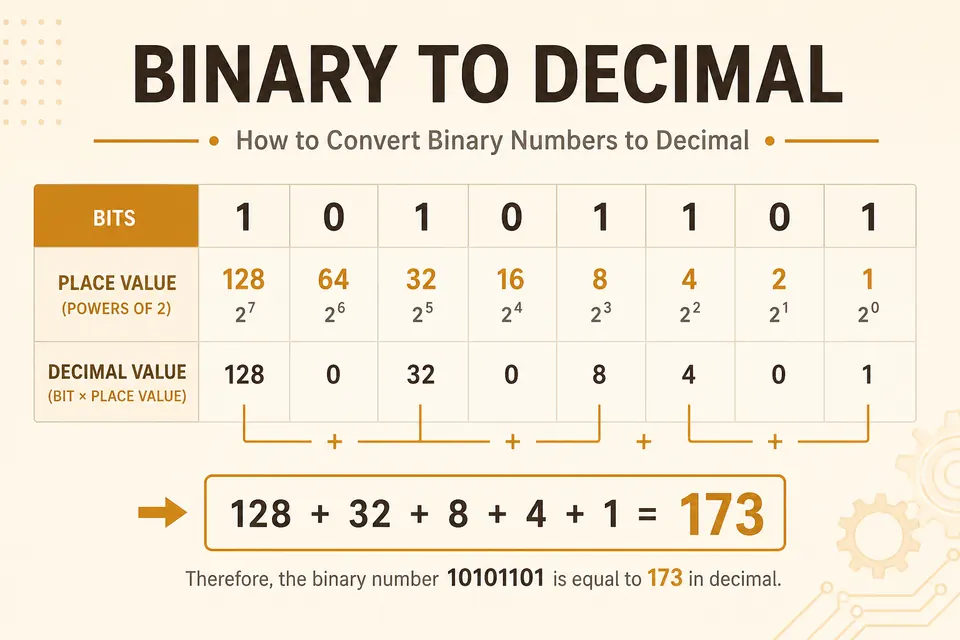
To convert an unsigned binary number to decimal, add the place values of its 1 bits. The rightmost position is worth 1, the next is worth 2, then 4, 8, and so on. The worked examples below show the method for one byte and for shorter numbers.
Powers of two you need
For an 8-bit byte, positions from right (bit 0) to left (bit 7):
| Bit position | Power | Value |
|---|---|---|
| 0 (rightmost) | 2⁰ | 1 |
| 1 | 2¹ | 2 |
| 2 | 2² | 4 |
| 3 | 2³ | 8 |
| 4 | 2⁴ | 16 |
| 5 | 2⁵ | 32 |
| 6 | 2⁶ | 64 |
| 7 (leftmost) | 2⁷ | 128 |
An eight-bit byte uses the place values 1, 2, 4, 8, 16, 32, 64, and 128. Wider integers continue with 256, 512, 1024, and further powers of two. Keep the order visible while you practise.
Method: sum the hot bits
- Write the bitstring. Align it under the power headers if that helps.
- Ignore every 0.
- For each 1, write the power of two for that position.
- Add those values. That sum is the unsigned decimal.
This is unsigned interpretation. If the value is meant as signed two's complement, you need an extra step after you know the unsigned magnitude of the pattern.
Worked example: 10110100
Bit by bit
1 0 1 1 0 1 0 0
128 + 0 + 32 + 16 + 0 + 4 + 0 + 0
128 + 32 + 16 + 4 = 180
Check with the binary converter: paste 10110100, read the decimal field.
Worked example: 00001111
Low nibble all ones: 8 + 4 + 2 + 1
Result: 15
Same idea: 2⁴ − 1 = 15 when four consecutive low bits are set.
Quick conversion table (0-16)
| Decimal | Binary (4-5 bits) | Hex |
|---|---|---|
| 0 | 0 | 0 |
| 1 | 1 | 1 |
| 2 | 10 | 2 |
| 3 | 11 | 3 |
| 4 | 100 | 4 |
| 5 | 101 | 5 |
| 7 | 111 | 7 |
| 8 | 1000 | 8 |
| 10 | 1010 | A |
| 15 | 1111 | F |
| 16 | 10000 | 10 |
Leading zeros
00000101 and 101 are the same unsigned value: 5. Padding only fixes the width. It does not change the sum of powers.
Protocols and CPU registers care about width. Human scratch work can drop leading zeros until you need a fixed field size again.
Bytes in text vs bare numbers
If the binary is ASCII text, each 8-bit group is a character code, not one big integer.01001000 as a number is 72. As text it is the letter H. Same bits, different job.
Use binary to text for messages. Use the binary converter when you want a single numeric value. The ASCII table bridges both views.
Doubling method (optional shortcut)
Read left to right. Start at 0. For each bit: double the running total, then add the bit.
1011 → 11
start 0
bit 1 → 0×2+1 = 1
bit 0 → 1×2+0 = 2
bit 1 → 2×2+1 = 5
bit 1 → 5×2+1 = 11
Same answer as 8+0+2+1. Pick whichever feels faster. Powers-of-two addition is usually clearer while you learn.
Practice problems
11001000001000011111111110000000as unsigned, then as signed 8-bit
Answers
- 128+64+8 = 200
- 32+1 = 33 (ASCII '!')
- 255
- Unsigned 128; signed 8-bit = −128
FAQ
Which bit is 2⁰?
The rightmost bit in the usual written form. If someone numbers bits from the left, check their diagram. Hardware docs sometimes number bit 0 as LSB, which matches this article.
How do I convert decimal back to binary?
Repeated divide-by-2, collecting remainders, or subtract the largest power of two that fits. The converter on this site does both directions; see also the decimal-to-binary blog post if you want a full walkthrough.
What about fractional binary?
Bits after a binary point are 1/2, 1/4, 1/8, …. Floats use a different packed layout (IEEE 754). For that, open the IEEE 754 tool.
Can I convert long bitstrings by hand?
You can, but errors creep in. Split into bytes, convert each byte, then combine with place values (×256, ×65536, …), or just paste into the converter.
Convert with the tool
Practice the four problems above on paper, then confirm in the binary converter. The full BinaryTranslator suite also shows hex and octal in the same pass if you want cross-checks.
When the bits are a message instead of a number, switch to binary to text. Same digits, different meaning.
Check the examples
Technical reference
Related Articles

Decimal to Binary Converter: Step-by-Step Guide (2026)
Learn how to convert decimal to binary by hand with two simple methods: division-by-2 and powers-of-2. Includes step-by-step examples, a conversion table, and a free converter.
Signed Binary and Two's Complement (Negative Numbers)
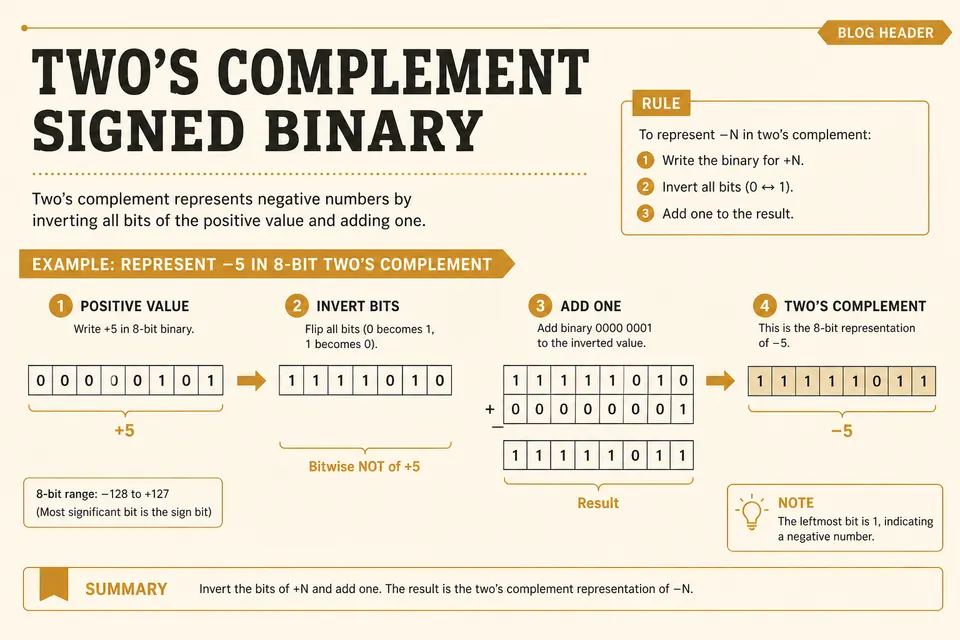
How computers store negative integers: invert the bits, add one, and check the range of an 8-bit signed value.
Binary to Hex Converter: Step-by-Step With Nibbles
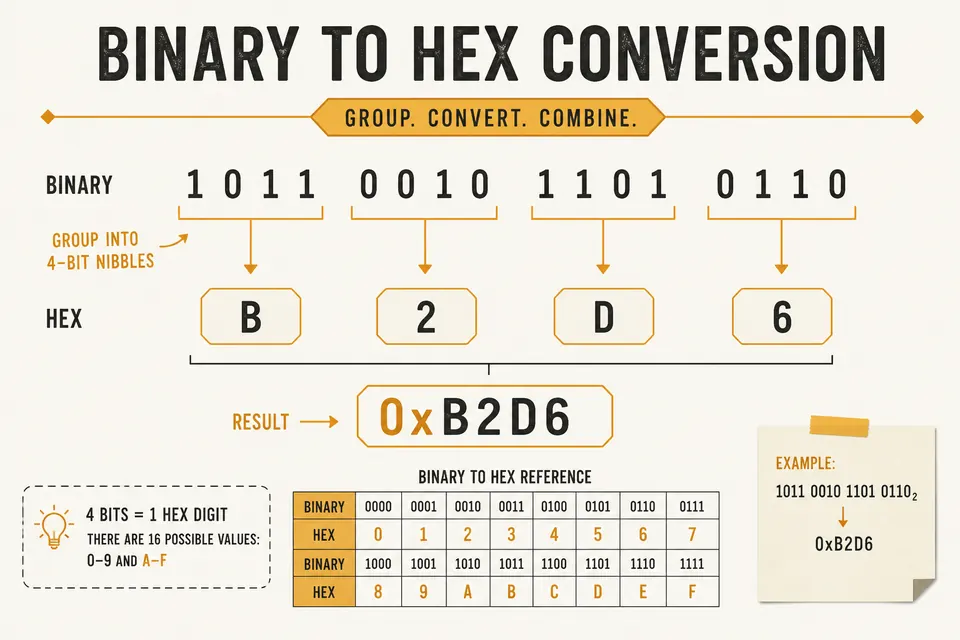
Convert binary to hexadecimal by grouping bits into nibbles. Includes the reverse path (hex to binary) and a quick reference table.