
Hexadecimal vs Binary: When to Use Each Format
Hexadecimal is useful when a binary string gets too long to read. Each hex digit represents four bits, so you can switch between the formats without changing the value. This guide compares their uses in code, memory dumps, and color values.
Understanding the Number Systems
Binary (Base-2)
- Digits: 0, 1
- Base: 2
- Used by: Computer processors, memory
- Advantage: Direct hardware representation
- Disadvantage: Very long numbers
Hexadecimal (Base-16)
- Digits: 0-9, A-F
- Base: 16
- Used by: Developers, debuggers, color codes
- Advantage: Compact representation
- Disadvantage: Less intuitive for beginners
Why Hexadecimal is Perfect for Binary
Hexadecimal (base-16) and binary (base-2) have a special relationship: 16 is exactly 2⁴. This meansevery hexadecimal digit maps perfectly to exactly 4 binary digits (one nibble).
Convert one group of four bits at a time. The same 16 entries work for every digit in a longer hex value.
Hex to Binary Conversion Table
When to Use Each Format
| Use Case | Best Format | Why |
|---|---|---|
| Low-level hardware | Binary | Direct transistor representation |
| Memory addresses | Hexadecimal | Compact, easy to read long addresses |
| Debugging | Hexadecimal | Quick pattern recognition |
| File formats | Hexadecimal | Standard in hex editors |
| Color codes | Hexadecimal | Industry standard (CSS, design tools) |
| Bit manipulation | Binary | Easy to see individual bits |
| Network protocols | Hexadecimal | Packet dumps use hex format |
| Educational purposes | Binary | Easier to understand conceptually |
Real-World Examples
1. HTML/CSS Color Codes
Web colors are specified in hex format. Pure red is #FF0000, which represents:
00 (Green) = 0000 0000 = 0
00 (Blue) = 0000 0000 = 0
2. Memory Addresses
When debugging, memory addresses are shown in hex. Address 0x7FFFis much more readable than its binary equivalent.
0x7FFF = 32,767 (decimal)
3. MAC Addresses
Network device identifiers use hex: 00:1B:44:11:3A:B7. Imagine typing that in binary - it would be 48 digits!
Quick Conversion Methods
Binary to Hex
- Group binary into sets of 4 (from right)
- Pad with leading zeros if needed
- Convert each group to hex digit
Hex to Binary
- Take each hex digit
- Convert to 4-bit binary
- Concatenate all groups
Conclusion
Use binary when you need to inspect individual bits. Use hex when you need to read bytes, memory addresses, or masks more compactly. Because one hex digit equals four bits, you can move between them without going through decimal.
Check the examples in the binary to hex converter. Start with one byte, then try a longer value.
Check the examples
Technical reference
Related Articles
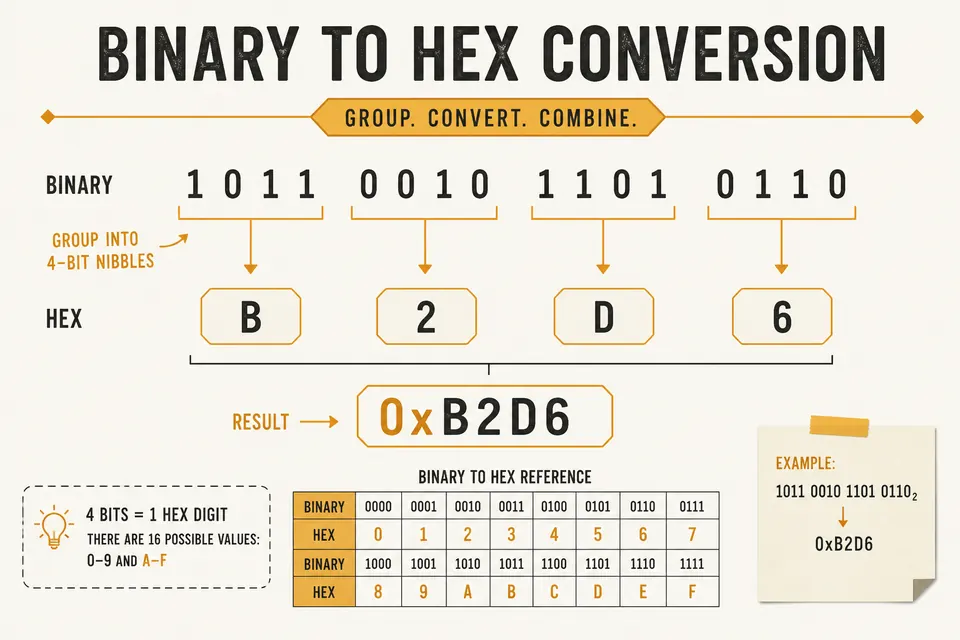
Binary to Hex Converter: Step-by-Step With Nibbles
Convert binary to hexadecimal by grouping bits into nibbles. Includes the reverse path (hex to binary) and a quick reference table.
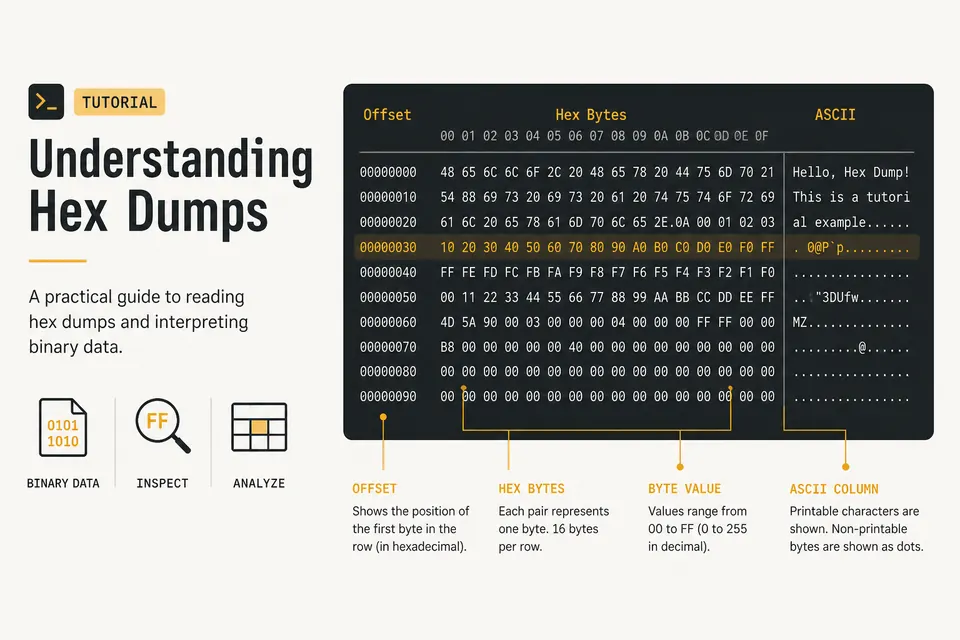
Hex Dump Explained: How to Read a Hex Viewer
Learn what the offset, hex bytes, and ASCII columns mean. Spot PNG magic bytes and inspect files with a private browser hex dump tool.
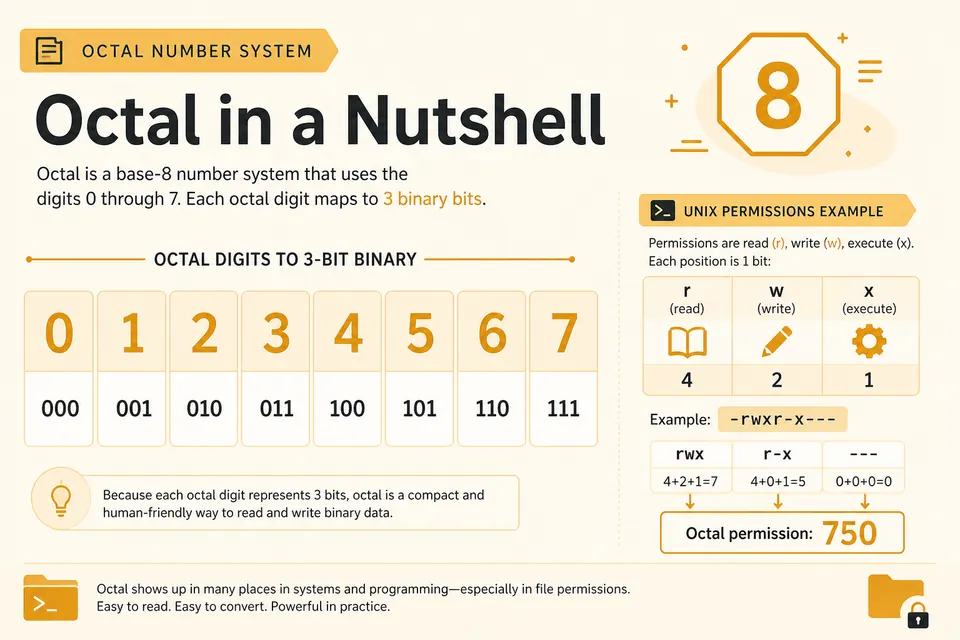
Octal Explained: Convert Octal to Binary and Decimal
Octal groups bits by threes. Learn why Unix permissions use it and how to convert between octal, binary, and decimal cleanly.