
Decimal to Binary Converter: Step-by-Step Guide (2026)
Converting decimal to binary rewrites a number using powers of two. You can do it by repeatedly dividing by two or by subtracting place values. This guide works through both methods and includes a table you can use to check small results.
What Does Decimal to Binary Mean?
Decimal, or base 10, is the system we use every day. It has ten digits: 0 through 9. Binary, or base 2, uses only two digits: 0 and 1.
When you convert a decimal number to binary, you rewrite the same value using powers of 2 instead of powers of 10. The result looks longer, but it is exactly what processors, memory chips, and digital circuits understand.
Method 1: Division-by-2
This is the classic method. You repeatedly divide the number by 2 and write down the remainders. Read the remainders from bottom to top and you have your binary answer.
How Division-by-2 Works
- Write down the decimal number.
- Divide it by 2 and note the quotient and remainder.
- Use the new quotient as the next number to divide.
- Repeat until the quotient becomes 0.
- Read the remainders from bottom to top.
Example: Convert 13 to Binary
13 ÷ 2 = 6 remainder 1
6 ÷ 2 = 3 remainder 0
3 ÷ 2 = 1 remainder 1
1 ÷ 2 = 0 remainder 1
Result: Read bottom-up = 1101
Example: Convert 42 to Binary
42 ÷ 2 = 21 remainder 0
21 ÷ 2 = 10 remainder 1
10 ÷ 2 = 5 remainder 0
5 ÷ 2 = 2 remainder 1
2 ÷ 2 = 1 remainder 0
1 ÷ 2 = 0 remainder 1
Result: Read bottom-up = 101010
Method 2: Powers-of-2
This method is faster once you know the binary place values. You write down the weights, then mark 1 where the value fits and 0 where it does not.
Binary Place Values
Each position is worth twice the previous one, starting from 1 on the right. Find the largest power of 2 that fits, subtract it, and repeat with the remainder.
Example: Convert 255 to Binary
255 − 128 = 127 → bit for 128 = 1
127 − 64 = 63 → bit for 64 = 1
63 − 32 = 31 → bit for 32 = 1
31 − 16 = 15 → bit for 16 = 1
15 − 8 = 7 → bit for 8 = 1
7 − 4 = 3 → bit for 4 = 1
3 − 2 = 1 → bit for 2 = 1
1 − 1 = 0 → bit for 1 = 1
Result: 11111111
Example: Convert 128 to Binary
128 − 128 = 0 → bit for 128 = 1
Remaining values do not fit → all 0
Result: 10000000
Decimal to Binary Conversion Table (0-15)
Here is a quick reference table for small decimal numbers. These values appear constantly in programming and digital logic:
| Decimal | Binary |
|---|---|
| 0 | 0000 |
| 1 | 0001 |
| 2 | 0010 |
| 3 | 0011 |
| 4 | 0100 |
| 5 | 0101 |
| 6 | 0110 |
| 7 | 0111 |
| 8 | 1000 |
| 9 | 1001 |
| 10 | 1010 |
| 11 | 1011 |
| 12 | 1100 |
| 13 | 1101 |
| 14 | 1110 |
| 15 | 1111 |
Why Learning This Matters
Being able to convert between decimal and binary is not just a classroom exercise. It is used in many real-world areas:
- Programming: Bitmasks, flags, and bitwise operations all start with binary understanding.
- Networking: IP addresses and subnet masks are easier to work with when you know binary.
- Electronics: Microcontrollers and digital circuits process binary signals directly.
- Debugging: Memory dumps and register values are often shown in binary or hex.
- Computer science: Binary is the foundation of how all data is stored and processed.
Frequently Asked Questions
What is the easiest way to convert decimal to binary?
For beginners, the division-by-2 method is the easiest because it always works and follows a simple repetitive pattern. For faster mental math, the powers-of-2 method is better once you memorize the binary place values.
Can every decimal number be converted to binary?
Every non-negative integer has a finite binary representation, with optional leading zeros. Negative integers need a signed convention. Fractions can have repeating binary expansions, so floating-point formats often store an approximation.
Why do computers use binary instead of decimal?
Computers use binary because electronic circuits have two stable states: on and off. Binary maps perfectly to these states, making hardware simpler, faster, and more reliable than trying to detect ten different voltage levels.
How do I convert a number to binary with leading zeros?
Pad the left side of your binary result with zeros until it reaches the desired length. For example, binary 1101 padded to 8 bits becomes 00001101. This is common in programming when working with bytes.
Is there a decimal to binary converter I can use online?
Yes. You can use the free converter on BinaryTranslator.org to check your work or convert large numbers instantly without manual calculation.
Conclusion
Both methods work for non-negative integers. Division by two gives you the bits from right to left; subtracting powers of two gives you the bits from left to right. Use the examples to check the order.
Check your calculation in the number-base converter. It accepts whole numbers and shows binary, decimal, hex, and octal together.
Check the examples
Technical reference
Related Articles
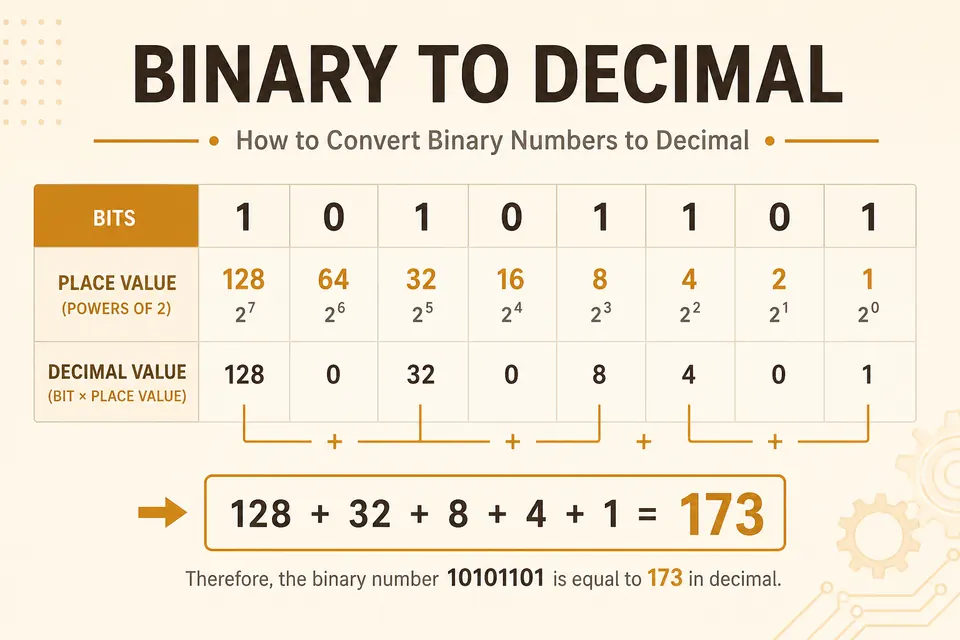
Binary to Decimal Converter: Powers of 2 Method
Convert any binary string to decimal by adding place values. Worked examples, a practice set, and a free online converter.

How to Read Binary Code: A Beginner's Guide (2026)
Learn how to read binary code with simple step-by-step examples, an A-E alphabet table, and beginner-friendly practice exercises. Start decoding 0s and 1s today.
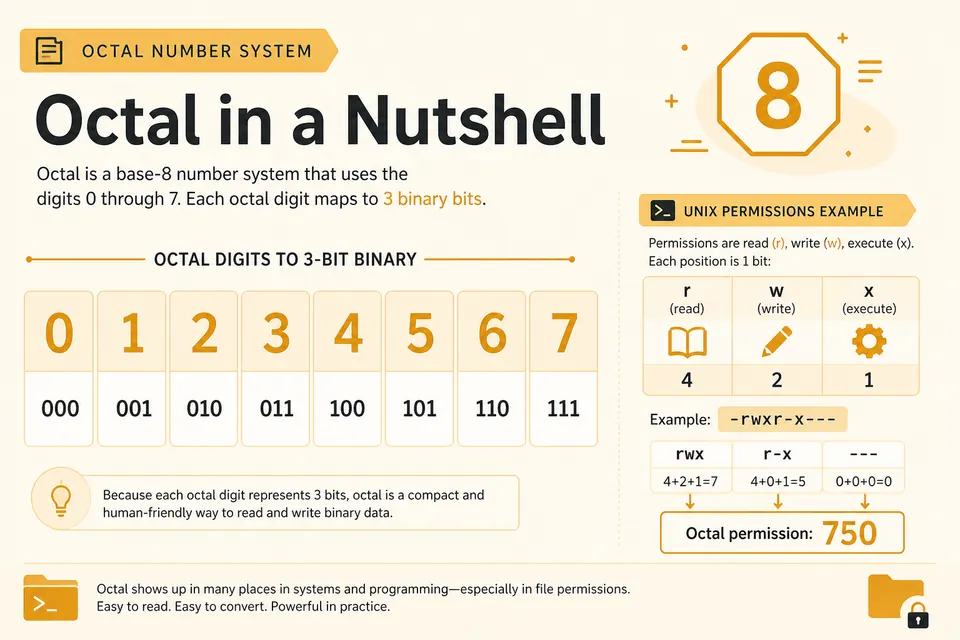
Octal Explained: Convert Octal to Binary and Decimal
Octal groups bits by threes. Learn why Unix permissions use it and how to convert between octal, binary, and decimal cleanly.