Binary Steganography: Turning Bits Into Pixel Patterns
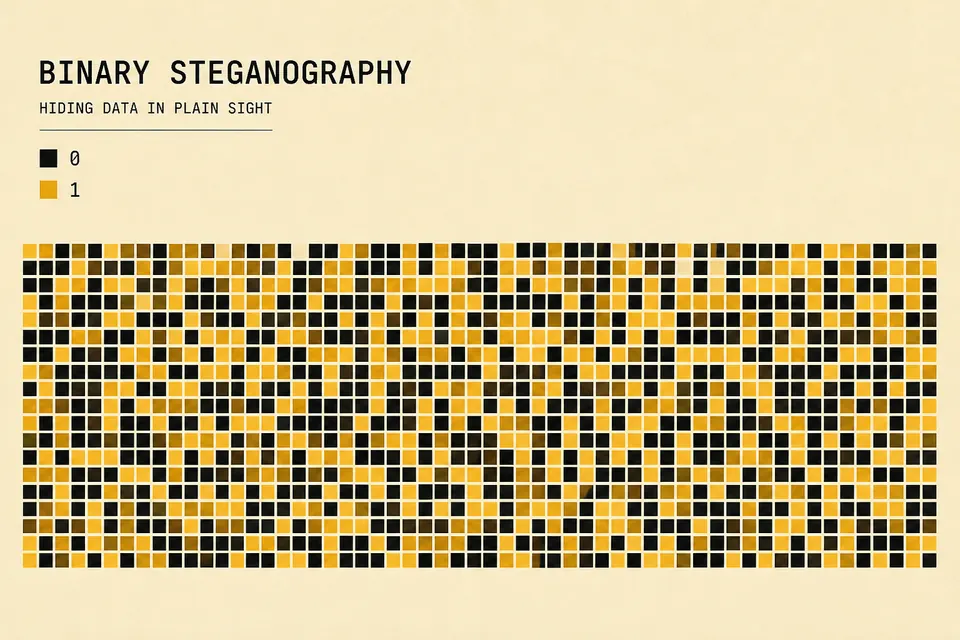
The visual tool on BinaryTranslator draws binary as a grid. Each cell represents a bit, with a filled shape for 1 and a circle for 0. The exported image makes the encoded message visible; it does not conceal the message inside an existing photograph.
What this guide covers (and what it does not)
Classic file steganography hides payload bits inside image or audio files by tweaking LSBs or unused header fields. That is a different problem. It involves file formats, capacity estimates, and detection tools.
Here we talk about the educational pattern generator on this site: take a bitstring, lay it on a square grid, paint 1s and 0s as distinct shapes, export a PNG. Useful for teaching, demos, and sharing a visual that still encodes readable binary. Not a covert channel.
Bits as pixels
Start with a binary string. Length N bits. The grid side length is ceil(sqrt(N)) so the bits roughly fill a square. Each cell is one bit. Reading order is left to right, top to bottom.
Empty cells past N are padding. They are not part of the message. When you decode by eye, stop after the original bit count.
How the site tool draws a pattern
On the home suite under Visual Steganography (also linked from /binary-steganography), the canvas uses roughly this process:
- Take binary from your converter text (or type bits directly).
- Compute grid size from the bit length.
- For each bit, draw a filled rounded square for 1, or a small circle for 0.
- Use the theme accent for 1s and a dark fill for 0s so the pattern reads at a glance.
- Export via
canvas.toDataURL()as PNG.
Everything runs in the browser. Nothing is uploaded. That matters if your bitstring is practice data or a private string you do not want on a server.
Worked example: "Hi" as a tiny grid
ASCII "Hi" is two bytes. Convert with the text to binary tool:
H = 72 = 01001000
i = 105 = 01101001
16 bits total → grid side ceil(sqrt(16)) = 4
4×4 cells, every cell used, no padding
Row-major layout of those 16 bits:
| Row | Bits (L→R) |
|---|---|
| 0 | 0 1 0 0 |
| 1 | 1 0 0 0 |
| 2 | 0 1 1 0 |
| 3 | 1 0 0 1 |
On the canvas, filled squares mark the 1s. Circles mark the 0s. You can read the pattern back into a bitstring, then use binary to text to recover "Hi".
Why pixel size and shape matter
The tool uses a fixed cell size (about 24px). That keeps patterns readable when you export and zoom. Tiny single-pixel cells look noisy and are hard to count by hand.
Different shapes for 0 and 1 beat pure color alone. Colorblind viewers and phone screens still get a second cue. If you rebuild a similar tool, keep that redundancy.
Not the same as LSB image embedding
| Approach | What changes | Goal |
|---|---|---|
| Visual bit grid (this site) | New image drawn from bits | Teach / share patterns |
| LSB steganography | Existing image bytes tweaked | Hide a payload |
| Watermarking | Hard-to-strip signal in media | Prove ownership |
If someone asks you to "hide this file inside a photo," that is LSB-style work. This guide and the site tool will not do that for you. They make the bits visible on purpose.
A practical classroom workflow
- Students convert a short phrase with text → binary.
- Open the main converter, switch to Steganography, generate the grid.
- Export PNG, swap devices or print.
- Peers reconstruct bits from the image, then decode with binary → text.
Keep messages short. A 200-character string makes a large grid that is painful to read by hand. For longer data, use the converter itself, not the picture.
Privacy and export notes
Canvas export stays local. The PNG on disk is just pixels. Anyone who knows the mapping can recover the bits. There is no encryption and no password. Treat exported patterns like plaintext binary written large.
If you need to inspect real file bytes instead of drawn patterns, use the hex viewer. That is the right tool for PE headers, PNG chunks, and similar structures.
FAQ
Can I hide a secret file with this tool?
No. The tool draws a visible bit grid and does not embed a file inside an unrelated image or PDF. Use it to demonstrate binary encoding and to make patterns that can be read back by eye.
Do I need a GPU or special browser?
A normal modern browser with canvas support is enough. Large bitstrings make larger canvases and can get slow, so keep demos under a few hundred bits when possible.
How do I open the tool quickly?
Go to binary steganography for the landing page, or open binarytranslator.org and pick the Steganography tab.
Is the pattern the same in light and dark mode?
Shapes stay the same. Colors follow the theme so 1-bits stay high contrast against the background. Decode by shape if color shifts between modes.
Open the visual tool
Convert a short word, open the Steganography tab on the home suite, and export a PNG. Then try reading it back without looking at the original bitstring.
The binary steganography page links to the drawing tool. Use the ASCII table to check a short message, then encode, draw, and decode it to compare the results.
Check the examples
Technical reference
Related Articles

Text to Binary: UTF-8 Examples and ASCII Codes
Learn how to convert text to binary code with examples, ASCII tables, and step-by-step instructions. Includes ASCII letters, words, and UTF-8 byte counts.
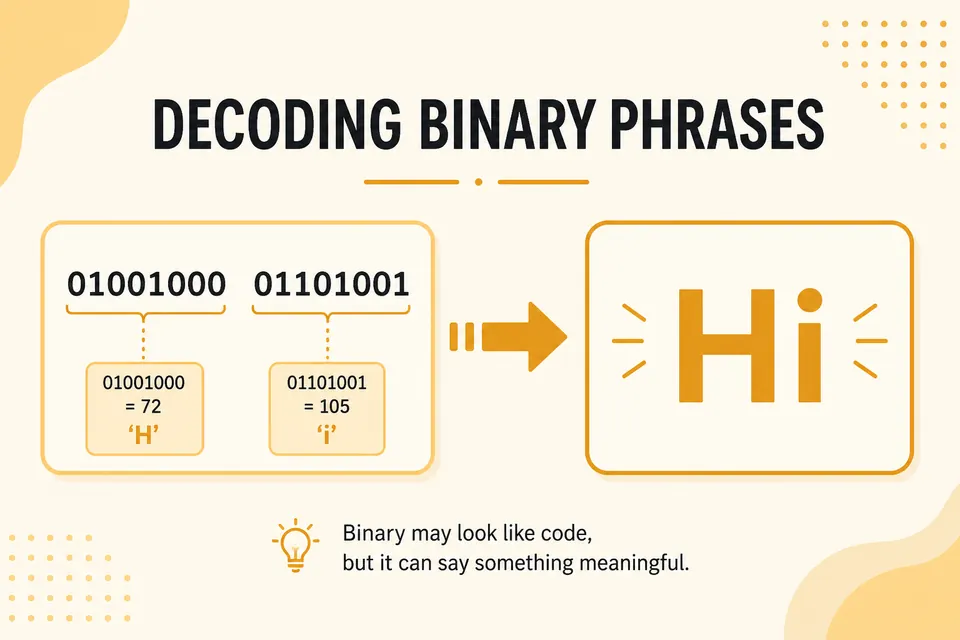
What Does 01001000 01101001 Mean? Common Binary Phrases
Decode popular binary strings like Hi, Hello, and OK. A practical phrase table plus tips for spotting ASCII in the wild.
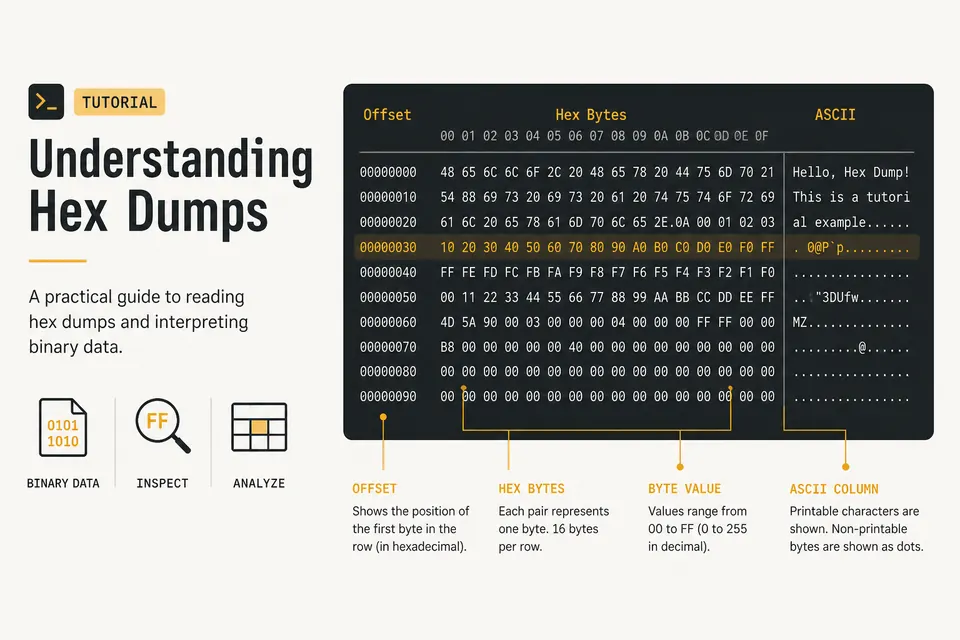
Hex Dump Explained: How to Read a Hex Viewer
Learn what the offset, hex bytes, and ASCII columns mean. Spot PNG magic bytes and inspect files with a private browser hex dump tool.